
A low-cost VPS can keep OpenClaw online, but you still need to set it up and keep it secure. Here are eight hosting options, led by SetupYourClaw for a quick launch with Telegram already in the picture.
1. SetupYourClaw
SetupYourClaw is a self-serve way to deploy your personal OpenClaw assistant in under a minute. It’s the best fit if you want an always-on assistant in Telegram without managing a server or configuring the runtime. Select a model, connect Telegram, and deploy. SetupYourClaw’s OpenClaw deployment handles the cloud setup for you.
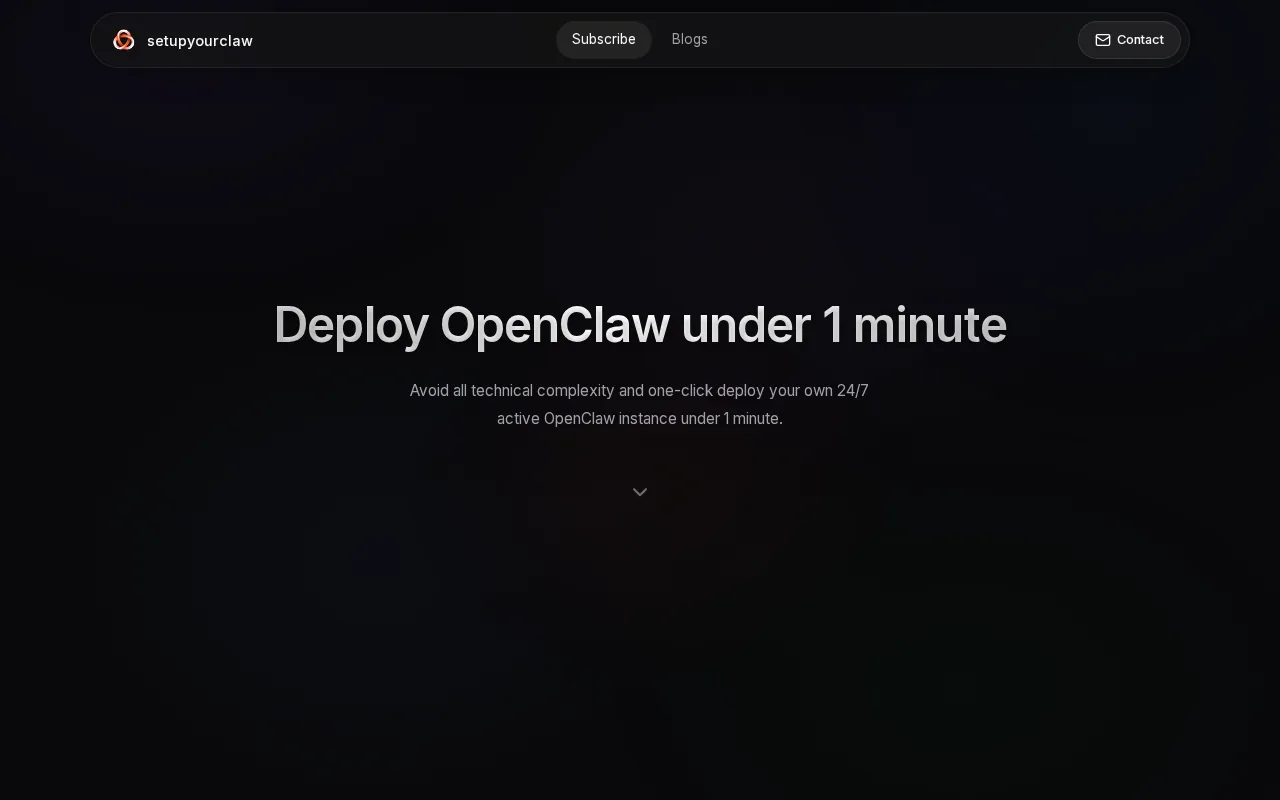
The difference is who handles the infrastructure work. OpenClaw itself is a self-hosted gateway that connects messaging apps to an AI assistant. With SetupYourClaw, the hosting and runtime setup are prepared for you.
That makes it a good fit for a personal assistant you want to reach on your phone, or a small business bot that should stay available outside office hours. You still choose the model and connect your channel. And you should check what’s included in the current trial and account terms before you start.
For a first deployment, this keeps the technical work short. You can focus on what your assistant should do instead of working through SSH commands or server settings.
2. Blink Claw: Managed hosting with a consolidated bill
Blink Claw is managed OpenClaw hosting with costs bundled into one bill. It’s aimed at founders, small teams, and developers who want fewer setup tasks and a single monthly charge. The listed starting price is $22 per month on an annual plan.
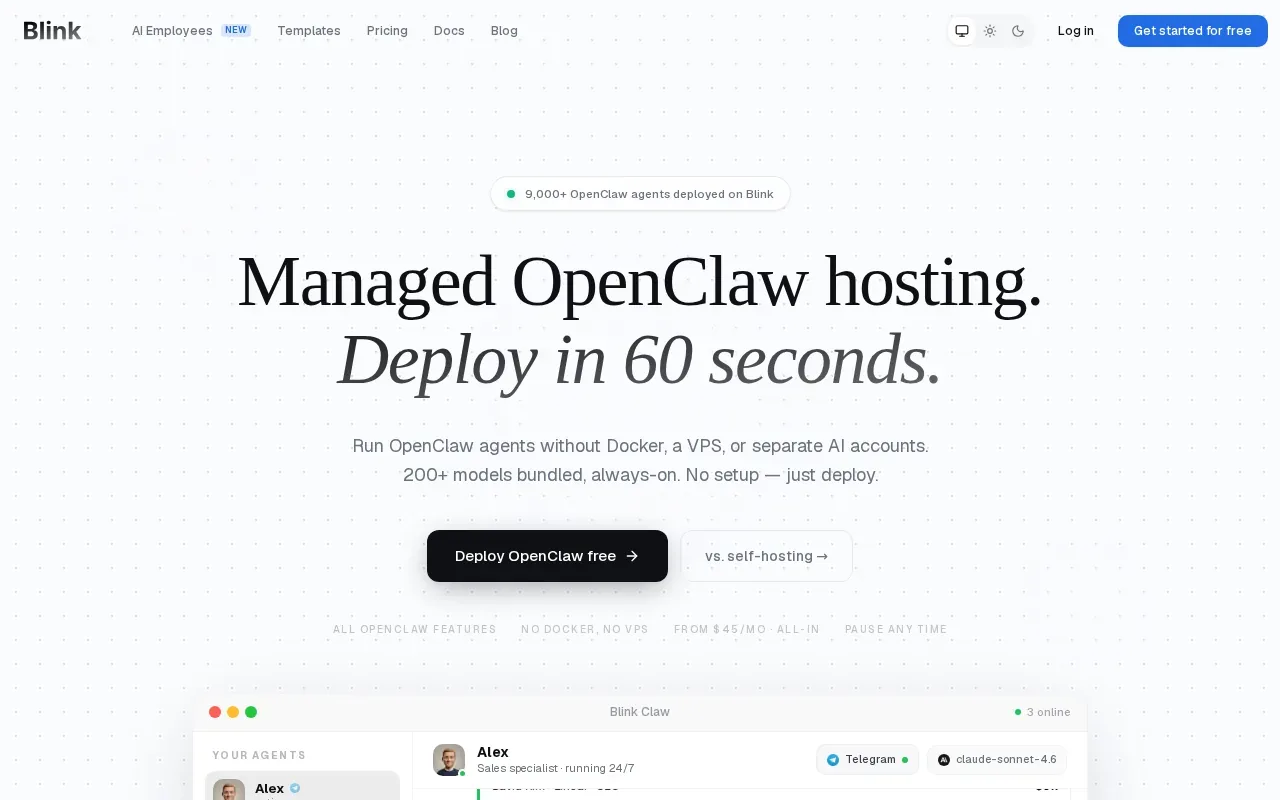
That billing model may suit you if you’d rather not track separate hosting and model bills. But compare the annual term with your expected use before paying. The source information says Blink Claw includes every cost in one bill, though the price supplied for this option is specifically the annual starting rate.
SetupYourClaw is a more direct choice when your main goal is a personal assistant paired with Telegram. Blink Claw may fit better when a consolidated bill is the deciding factor. Check the plan details yourself to confirm exactly what the current bill covers.
3. EZClaw: One-click managed deployment
EZClaw is managed OpenClaw hosting that avoids server setup, code, and terminal work. It suits people who want to connect Telegram and start chatting with an AI assistant, with a free Testflight available.
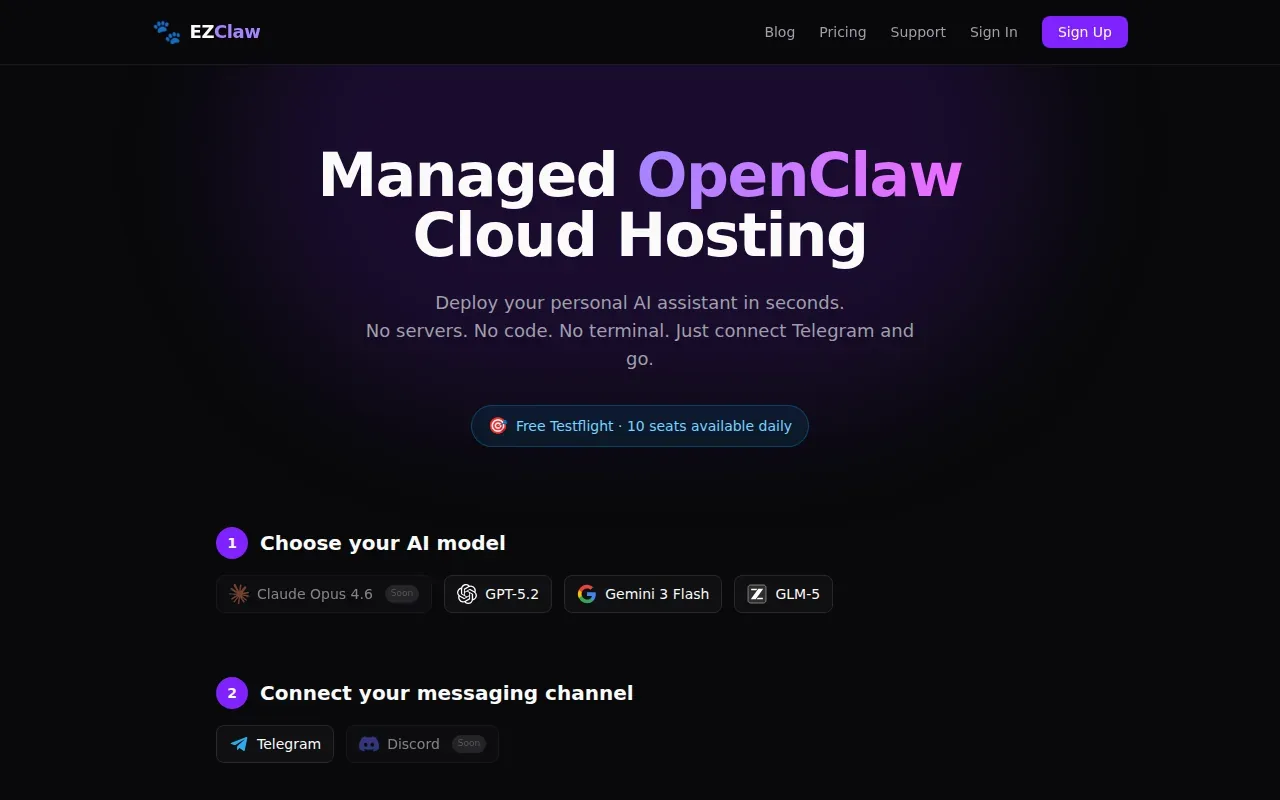
The setup is designed around choosing a model, adding a Telegram bot token, and deploying. That’s a short path if Telegram is the channel you plan to use.
EZClaw could work well for a single personal bot. SetupYourClaw is another option to consider if you want a quick cloud deployment paired with Telegram. Before committing to any managed host, check the service’s data, account, and cancellation terms.
4. OpenClaw Launch: Managed agents and cloud dev boxes
OpenClaw Launch is managed hosting for OpenClaw, Hermes Agent, and AI coding uses. It’s a fit if you want a hosted chat agent or a cloud dev box with Claude Code ready to run, without handling DevOps. The stated first-month price is $3.
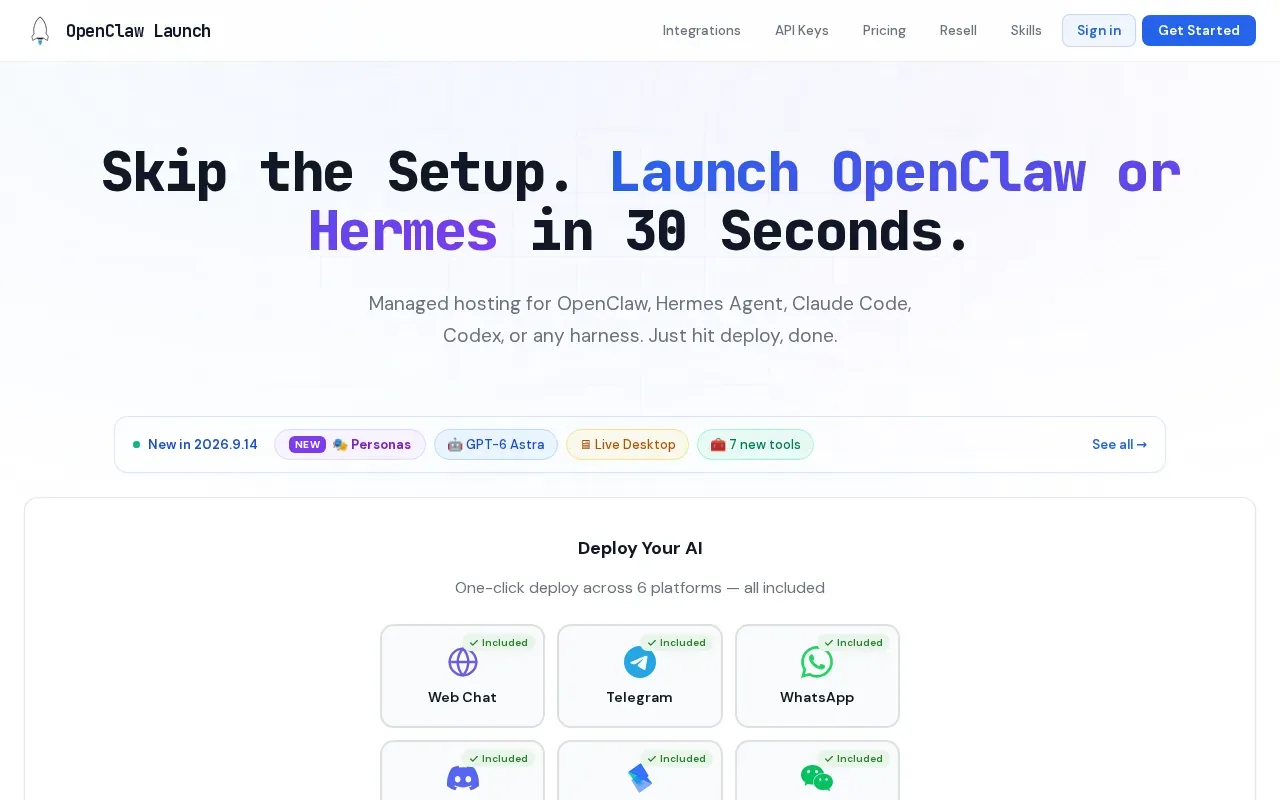
The service is built around deploying an agent or development environment in about 30 seconds. That makes it worth a look if you need a coding workspace as well as a chat assistant. The low first-month price is an introductory offer, so check the ongoing rate and what the plan includes before you sign up.
If your use case is simpler, such as messaging one personal assistant through Telegram, you may not need a cloud dev box. Pick the option that matches the job rather than paying for a setup you won’t use.
5. Hetzner: Low-cost VPS for hands-on users
Hetzner is a German cloud provider with VPS plans for people who want to manage OpenClaw themselves. Its CX plans start at $4.09 per month for a shared instance with 2 vCPU and 4 GB RAM. It’s best for developers who are comfortable with SSH and Docker.
You get more control over the server than you do with managed hosting, but the install and upkeep become your job. You’ll need to set up OpenClaw, connect your model credentials, pair Telegram, and handle updates. That work is part of the trade-off for a lower starting price.
Avoid exposing the Gateway port to the public internet; use a safer access method instead. For a small bot, the 4 GB plan may be a starting point, but workload and browser use can raise resource needs.
Choose Hetzner if control matters more than convenience. If you don’t want to patch or troubleshoot a Linux server, a managed option will take less ongoing effort.
6. Kamatera: Configurable VPS with a trial
Kamatera is a configurable VPS provider for developers and enterprise teams that need precise control. Its listed starting price is $6 per month for 1 vCPU and 2 GB RAM. New users also get a 30-day free trial worth up to $100.
Review the selected configuration and billing terms before launching.
A trial gives you a chance to test the deployment path before you rely on it. Keep an eye on the trial end date and the selected server setup, especially if you’re only testing a small assistant. Kamatera is a self-managed route, not a one-click managed OpenClaw service.
7. OVHcloud: VPS plans with higher baseline resources
OVHcloud is a self-managed VPS option for teams that want a higher starting level of server resources. Its OpenClaw-ready tiers start at $9.99 per month for 6 vCores and 12 GB RAM. It’s best suited to users who can manage the server setup themselves.
That baseline is more than a single light-duty assistant may need. It may make sense if you already know your workload needs more room, or if you expect to run heavier tasks. You still handle the OpenClaw installation and ongoing server management.
Don’t treat a larger plan as a substitute for secure configuration. Keep access restricted, store credentials carefully, and save a known-good backup before making major changes. If you don’t want those tasks on your plate, choose a managed service instead.
8. Bluehost: One-click deployment for self-managing users
Bluehost says its agent hosting can deploy OpenClaw in one click. It’s a fit for people who want a faster start but are willing to manage their own agent after deployment. The stated entry price for OpenClaw hosting is $10 per month.
One-click deployment can reduce the first setup hurdle, but it doesn’t mean the whole service is managed for you. You should still check what you’re expected to maintain, including updates, server security, and any separate model costs.
Compare the full billing term, not only the first price you see. If the plan has an introductory rate or a renewal change, include that in your budget before deciding.
OpenClaw hosting options at a glance
The best fit depends on who will handle setup after you pay. This table focuses on the work you take on and the listed entry price, rather than treating every plan as interchangeable.
| Option | Hosting model | Starting price in supplied details | Best fit |
|---|---|---|---|
| SetupYourClaw | Preconfigured cloud deployment | No price listed | Personal assistant with minimal server work |
| Blink Claw | Managed | $22/month, annual plan | One consolidated bill |
| EZClaw | Managed, Telegram-focused | $49/month; free Testflight available | Quick setup for a personal bot |
| OpenClaw Launch | Managed agents and cloud dev boxes | $3 first month | Agent hosting or a coding workspace |
| Hetzner | Self-managed VPS | $4.09/month, 2 vCPU and 4 GB RAM | Hands-on Linux users |
| Kamatera | Configurable VPS | $6/month, 1 vCPU and 2 GB RAM | Users who want server control |
| OVHcloud | Self-managed VPS | $9.99/month, 6 vCores and 12 GB RAM | Higher baseline resources |
| Bluehost | One-click deployment, self-managed | $10/month | Users who can maintain their agent |
Prices don’t describe the full cost on their own. Check the billing term and renewal rate, then find out whether model usage is billed separately.
Match the hosting model and resources to your workload
Managed hosting suits you if you want an assistant online without maintaining a Linux server. A VPS suits you if you want root access and control over configuration. Local hosting can work for testing, but an assistant running on your computer goes offline when that computer is off.
For hardware planning, treat 1 vCPU and 1 GB RAM as a light-use floor, not a safe default for every always-on setup. Around 4 GB RAM is a more useful starting point for steady use, while browser automation may call for 8 GB. Those are planning estimates, not fixed OpenClaw requirements. Storage needs depend on your data and installed tools. Whatever the size, use persistent storage and a stable network connection.
OpenClaw can run commands and work with files, so treat its access as sensitive. A spare computer can be an alternative to a VPS, but check what it can access and keep it separate from personal files when possible.
VPS users should also plan for the less visible work. OAuth tokens may need refreshing. Some websites may block traffic from data-center IPs. Browser automation can break when the browser or its dependencies change. Keep logs available, test key workflows after updates, and limit the permissions your agent needs.
For safety, restrict server access and don’t expose the Gateway directly to the public internet. Keep a backup or snapshot before an update so you can return to a working setup if something fails. Set a calendar reminder for any introductory price or trial deadline, then confirm how cancellation works before the renewal date.
Frequently asked questions
What is the best OpenClaw hosting for beginners?
SetupYourClaw is a good first choice if you want a personal assistant deployed in the cloud with Telegram in the flow. It avoids manual server setup, so you can focus on choosing a model and connecting your bot. Before starting, check the current trial terms and what your chosen model may cost.
How much RAM does OpenClaw need?
For planning, 4 GB RAM is a useful starting point for an always-on assistant, while browser automation may need closer to 8 GB. A smaller setup can work for light testing, but it may not suit heavier tasks. These are estimates, not a single fixed requirement for every OpenClaw workload.
Is a VPS or managed hosting better for OpenClaw?
Managed hosting is better if you want less server work. A VPS is better if you want root access and can handle installation, updates, and security. The right choice depends on who will monitor the agent and fix it if a deployment or workflow stops working.
Can I run OpenClaw on my own computer?
Yes, a local computer can be useful for testing OpenClaw. But the assistant won’t stay available if the computer shuts down or loses its connection. If you need an always-on bot, use cloud hosting or a dedicated device that stays powered and connected.
What should I check before paying for OpenClaw hosting?
Check the renewal price and billing term, then confirm whether model usage is included or billed separately. Also find out who handles updates, backups, and security. For VPS plans, review the CPU and RAM against your workload. For managed plans, verify that your preferred messaging channel is supported.
Conclusion
For a personal OpenClaw assistant that you can reach through Telegram without managing a server, start with SetupYourClaw. Check the current trial details, choose your model, and deploy your bot.